
Before the first tee
Setup takes about two minutes and happens once. It is best done in the car park, because the app needs a GPS fix before it will start a round.
A charged phone. A round is four hours of GPS.
The app, from the App Store or Google Play.
To be at the course when the round starts.
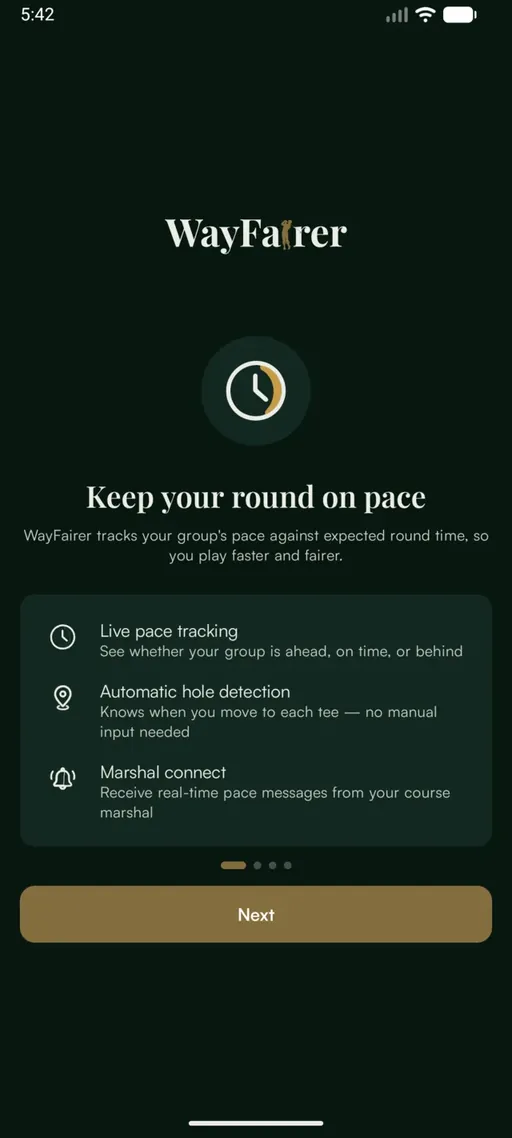
What does the app do?
It tracks the group against the expected round time, works out which hole they are on as they walk, and gives the course a way to contact them. Four short screens explain this before anything is asked of the golfer.
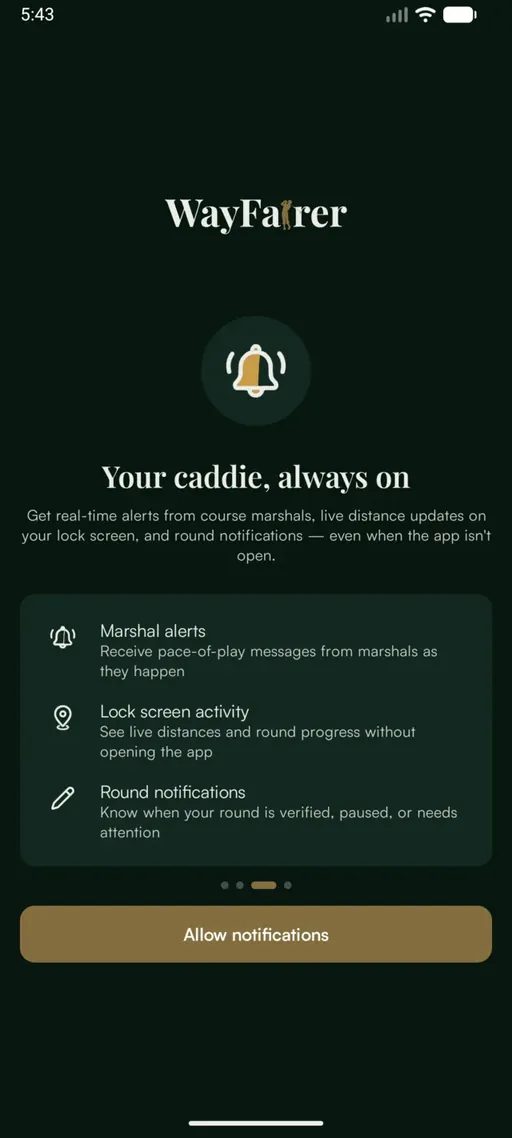
Why does it want notifications?
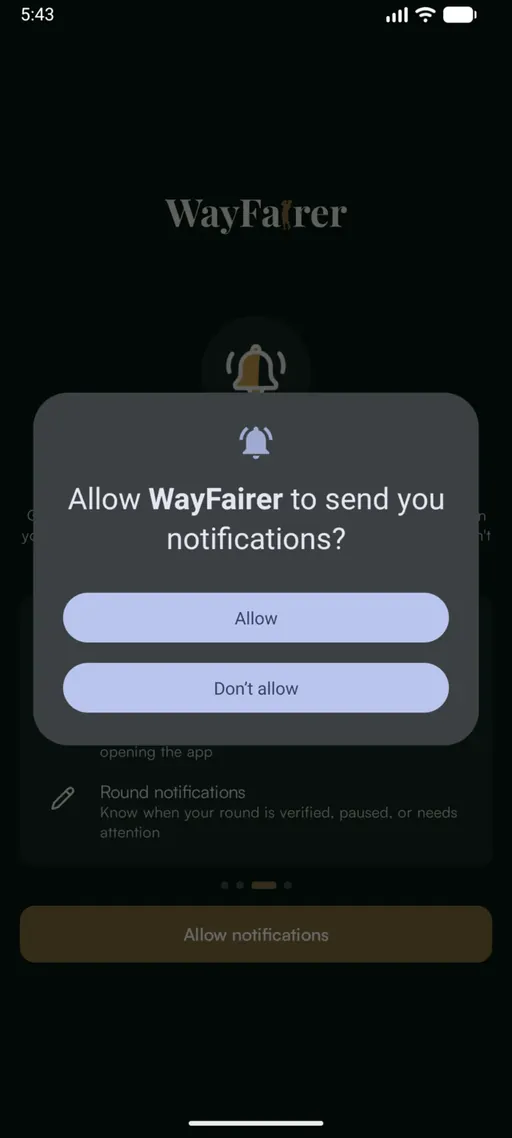
Notifications carry messages from the course during a round, and put the round on the lock screen. The golfer taps Allow notifications, then Allow on the phone’s own prompt.
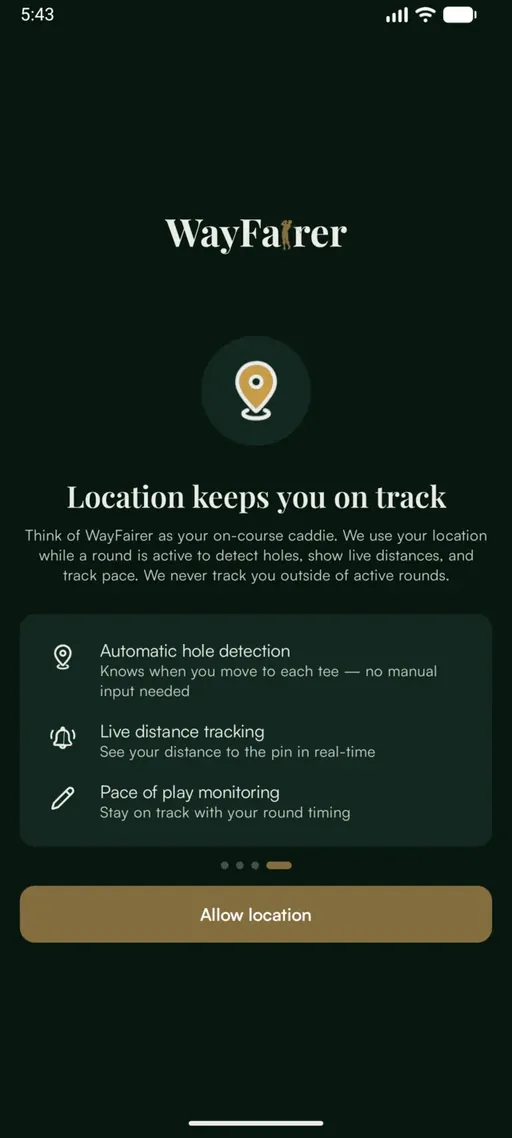
Why does it want my location?
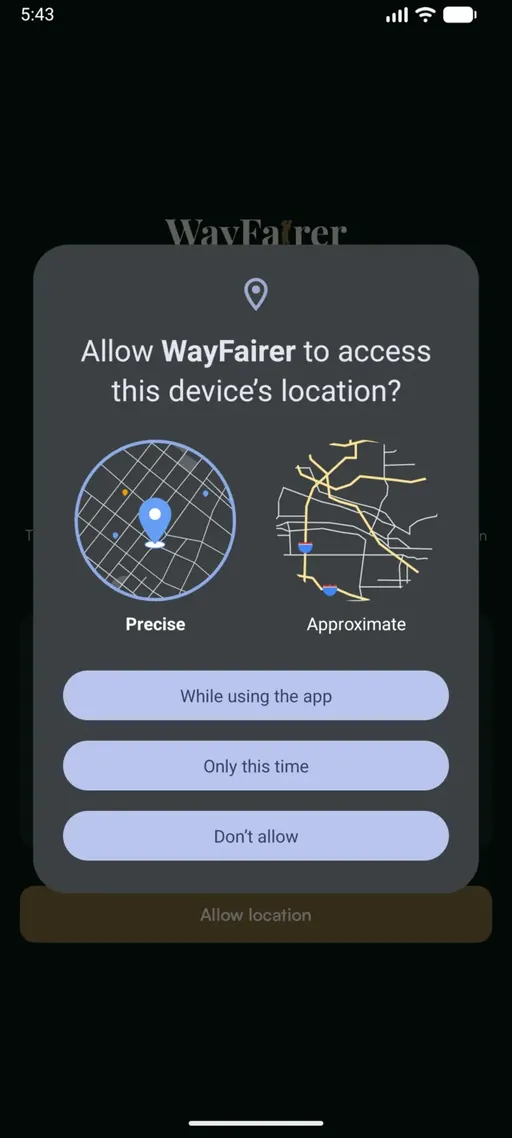
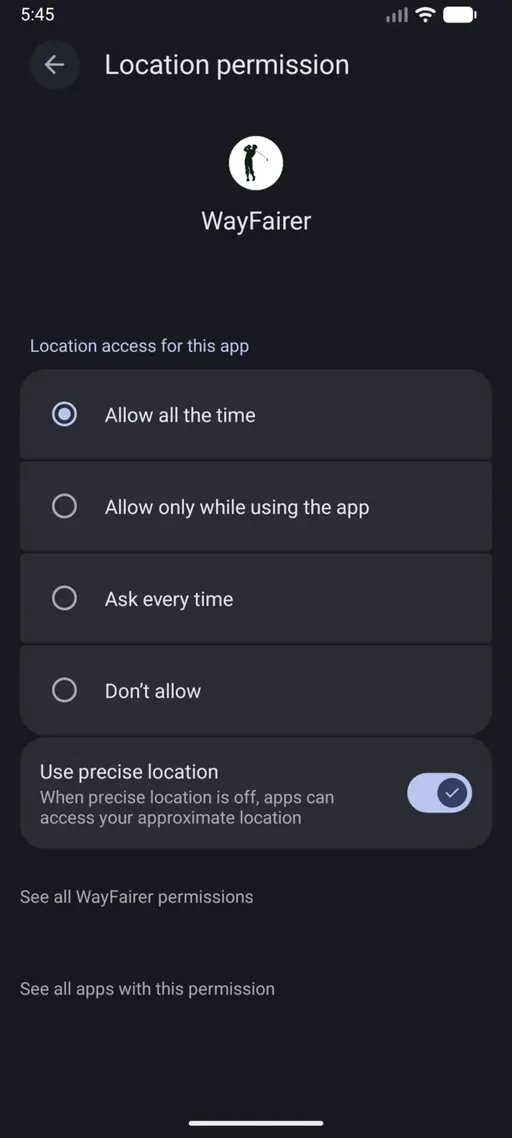
Location is what detects holes, shows distances and measures pace. Precise should stay selected, because approximate location cannot tell one fairway from the next. While using the app is the right choice here.
Does it need location “all the time”?
Yes. After the name is set, the app asks for background location and opens the phone’s settings page, where Allow all the time is the option to choose.
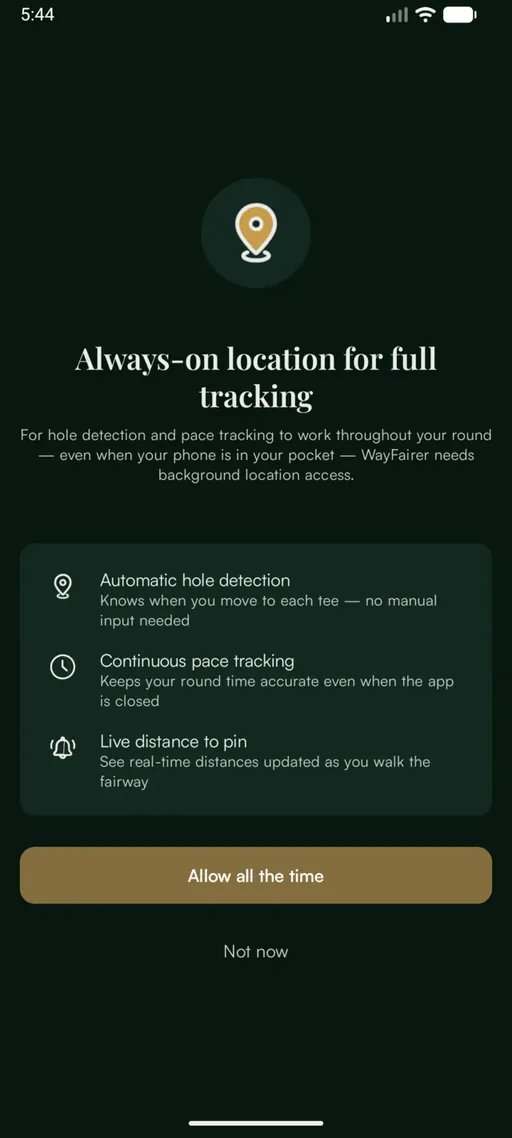
What happens on “Not now”?
The round still works, but hole detection and the timer stall whenever the screen locks. A phone spends most of a round in a pocket, so the golfer would need to reopen the app on every tee to keep the round accurate.
Is location tracked after the round?
No. Only while a round is active, and the permission screen says so, which is the quickest way to settle it if a member asks.
Can the course see where a golfer is?
During a round, yes. That is what shows which hole a group is on and how the round is running. It stops when the round ends.
What name should a golfer use?
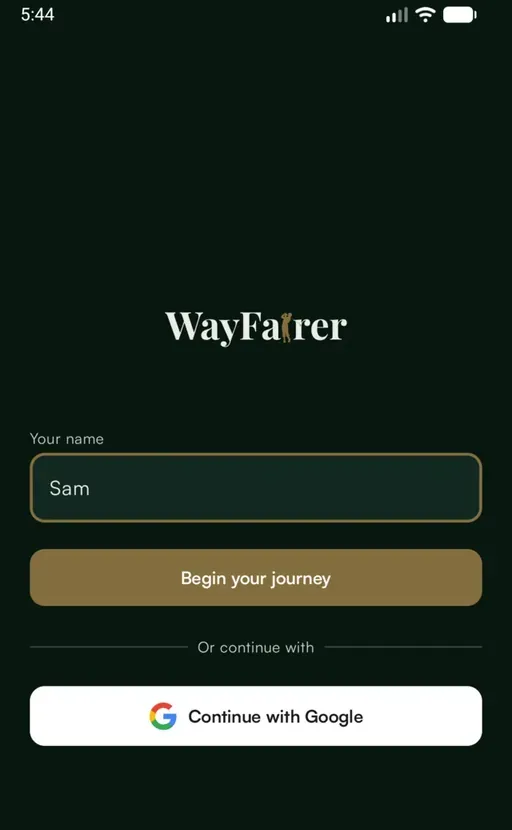
A first name. It is what the course sees when it sends a message, and what the rest of the group sees in chat.
Why is there no password?
The account belongs to that phone. Reinstall the app or change handset and the round history does not carry over. Continue with Google is one extra tap and keeps the history across devices.
Can the name be changed later?
Yes, under Settings, then Account.
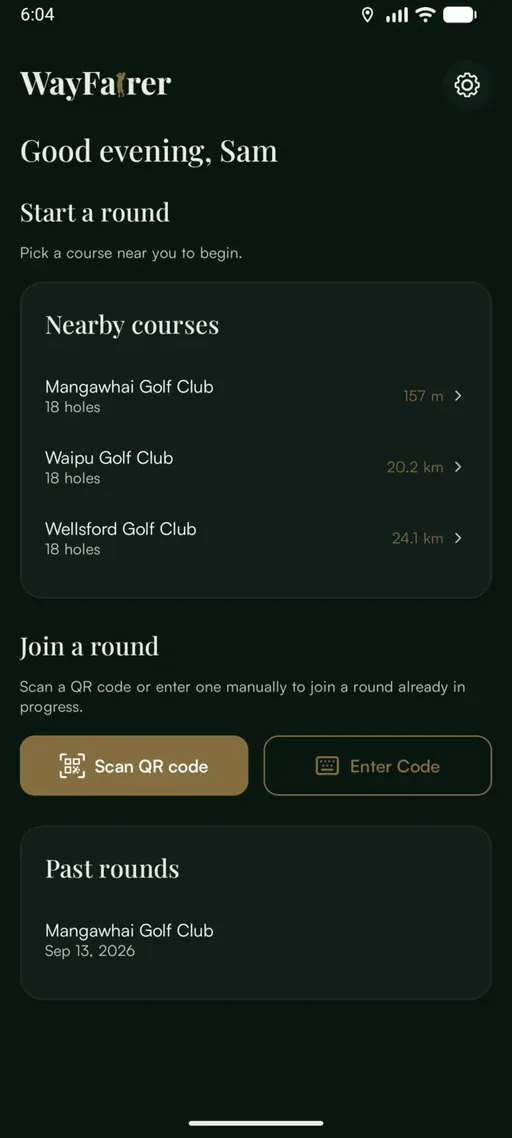
How does a golfer start a round?
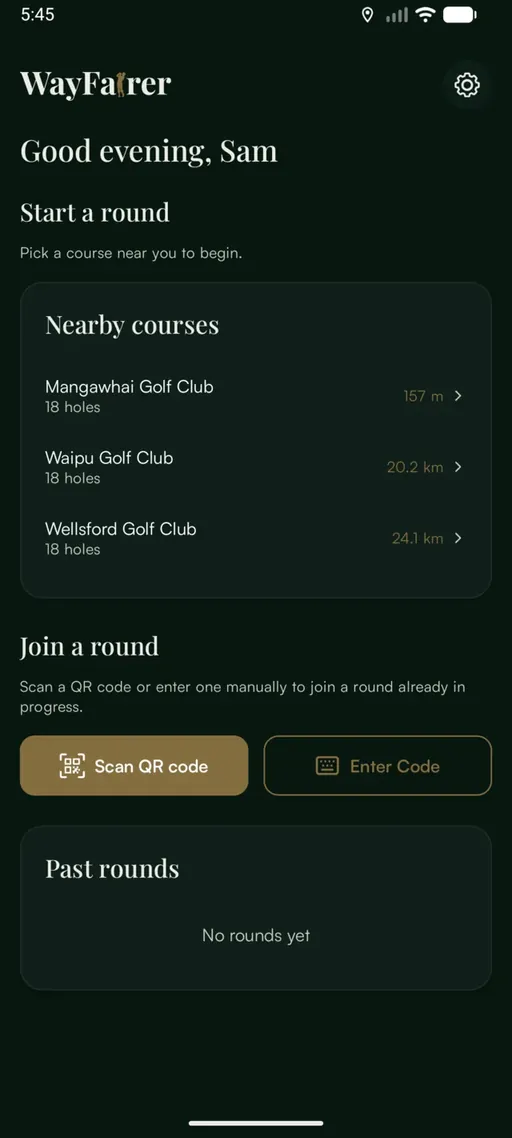
Tap the course under Nearby courses. The list is sorted by distance.
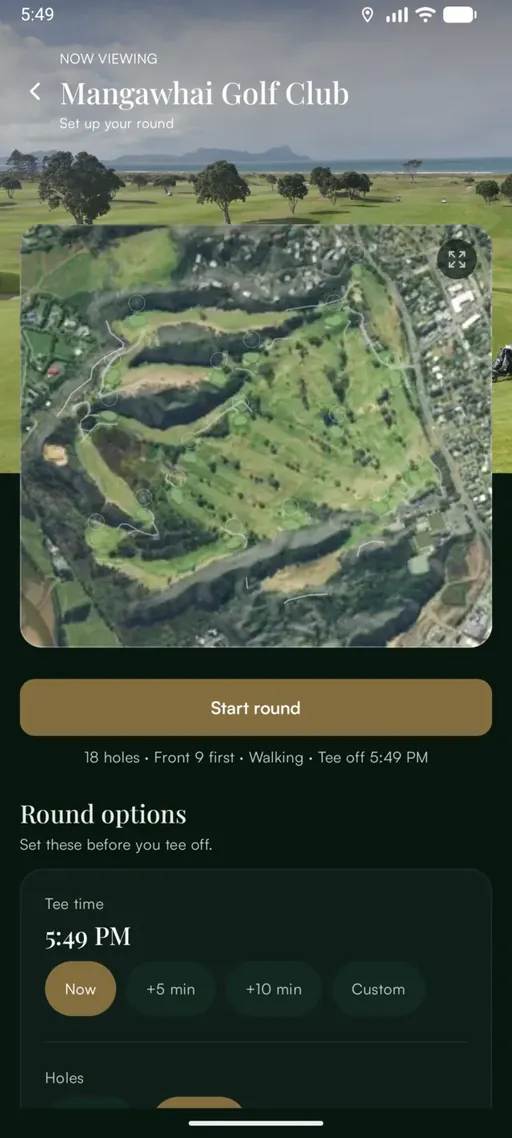
Wait for the button to change from Waiting for location… to Start round.
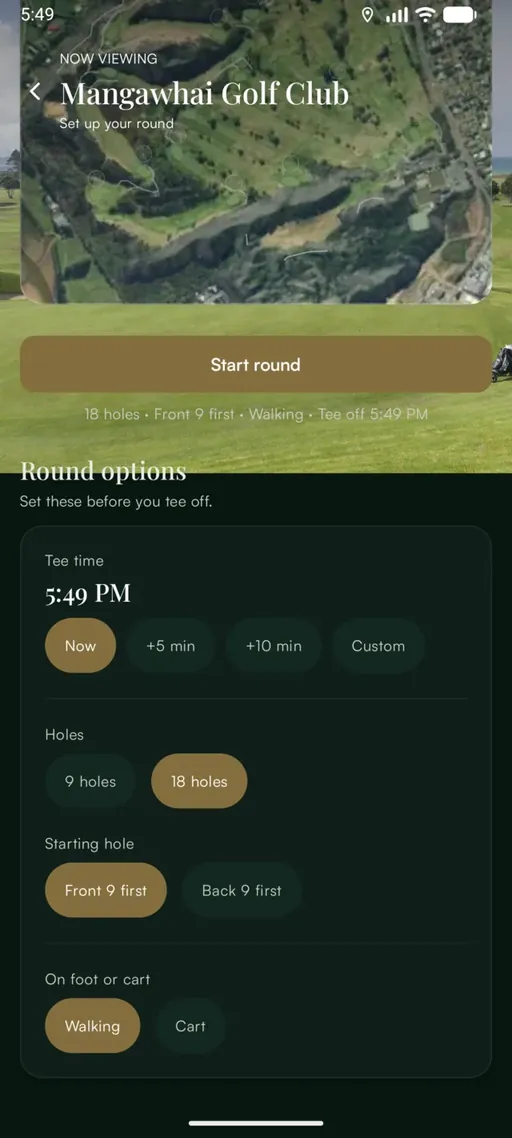
Check the round options below the button.
Tap Start round.
What do the round options change?
Tee time. Now if the group is about to hit. If they are early, +5, +10 or Custom counts pace from when they actually start.
Holes. Nine or eighteen. This sets the expected finish everything else is measured against.
Starting hole. Front or back nine, for shotgun starts and split tees.
On foot or cart. A cart raises the pace the group is expected to keep.
What does a golfer see during a round?
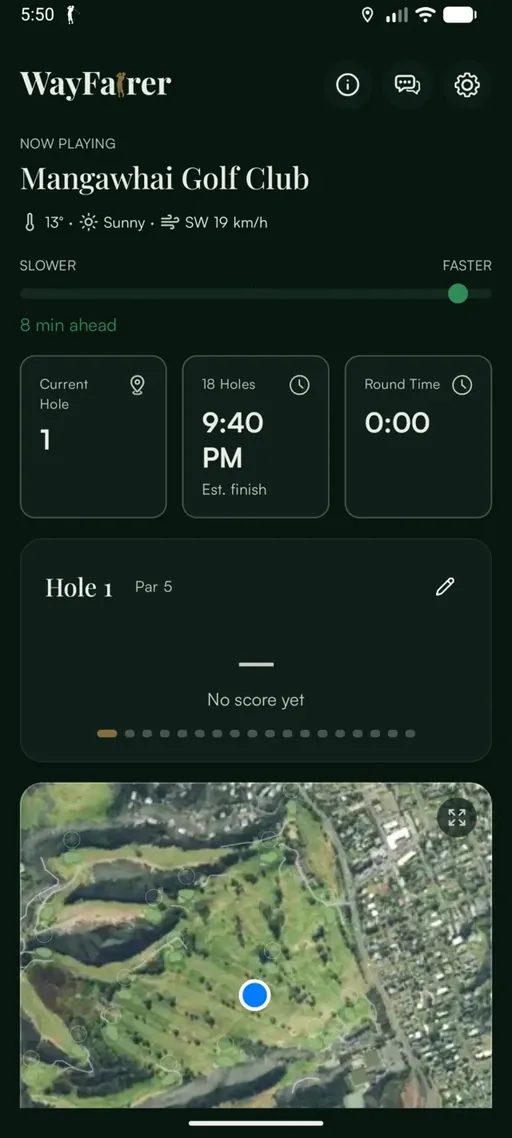
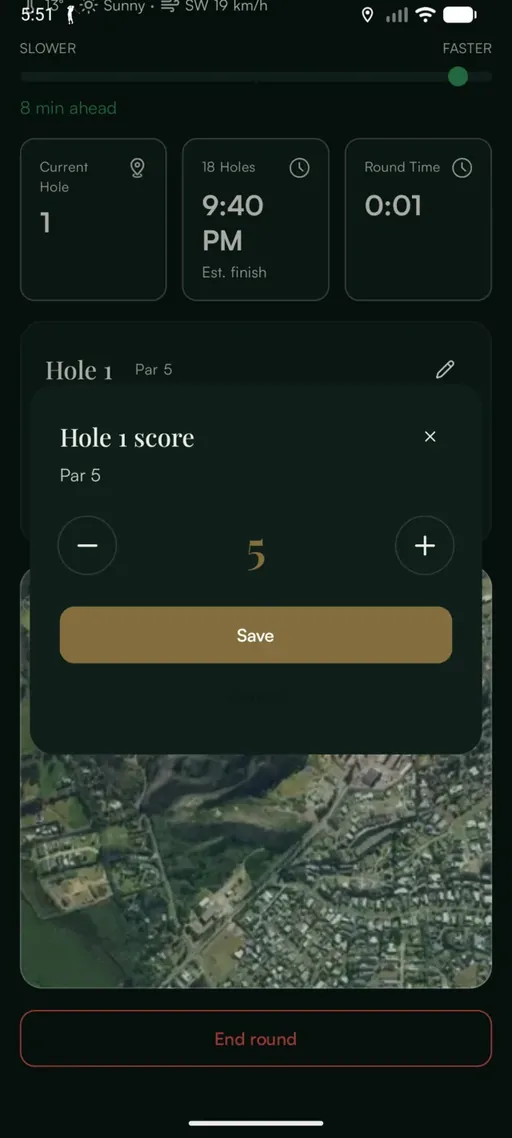
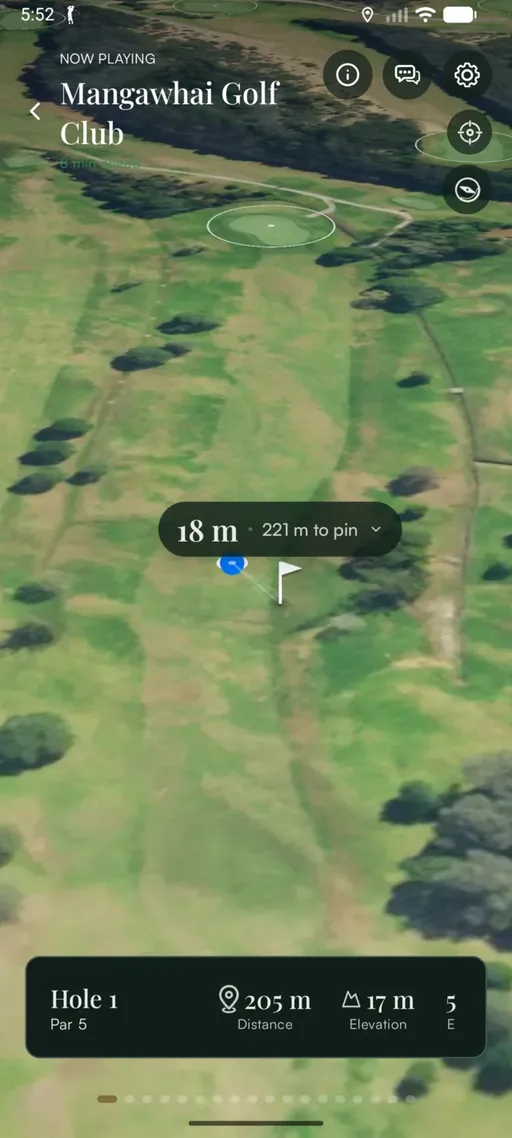
The golfer never tells the app which hole they are on. It works that out as the group walks to the next tee, and the current hole, estimated finish and pace follow from it.
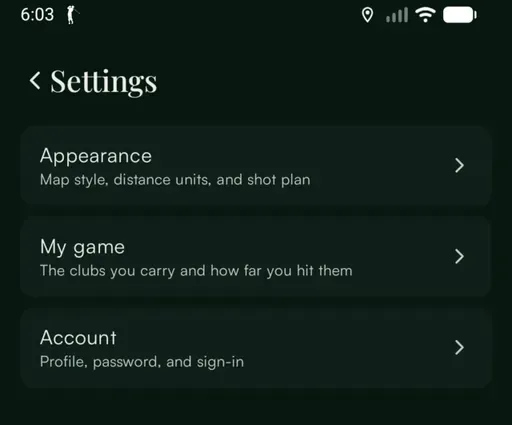
What is in the app’s settings?
Units are worth setting before the first round. Filling in My game lets the map suggest a club rather than only a distance.
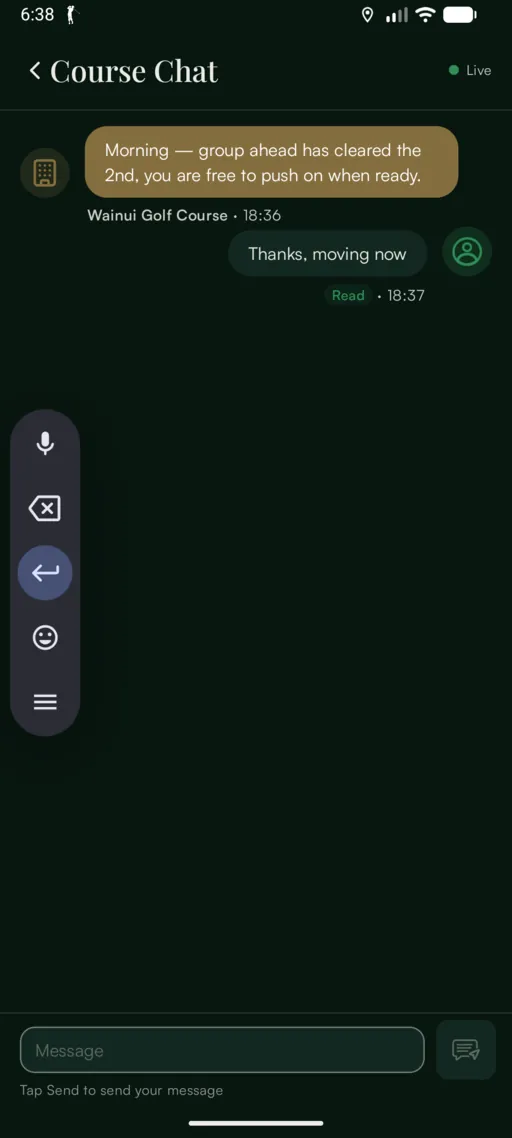
Can a golfer message the course?
Yes. The speech bubble beside the settings cog opens Course Chat, which runs while the round is in play and closes when it ends.
It suits anything on the course that affects play: greenkeeping ahead of the group, a hold-up on the hole in front, standing water after rain. It is also where a group asks for a cart, a ruling or first aid. The course sends and receives these from the Console.
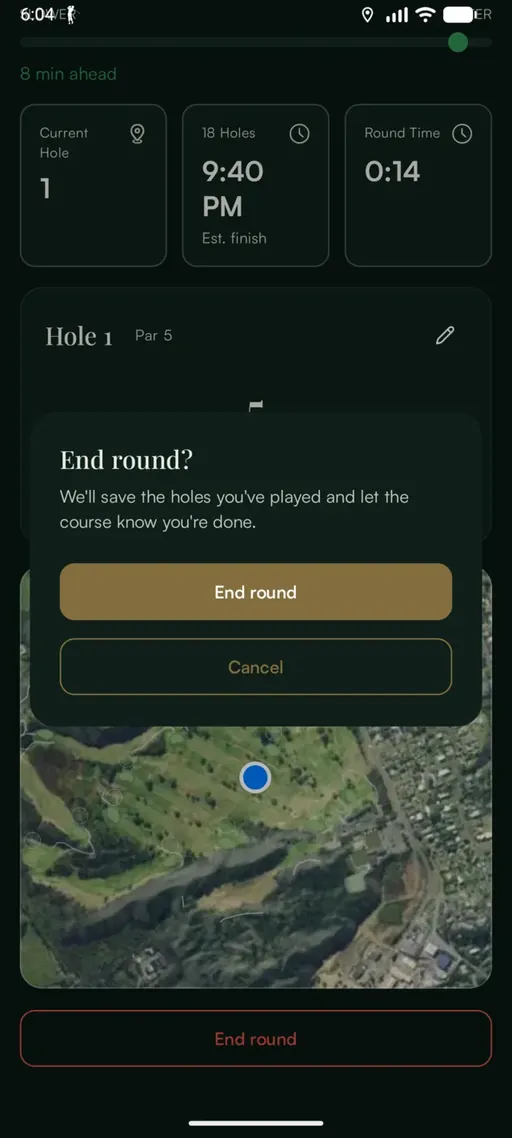
How does a round finish?
End round, at the bottom of the dashboard, closes the round and tells the course the group is in. It also stops location tracking, so it is worth doing before the clubhouse.
What if…
The button says “Waiting for location…”
No GPS fix yet. Standing still in the open for a few seconds is usually enough.
The button says “Too far from course”
The golfer is outside the course boundary. Walking in from the car park clears it.
The current hole is behind the group
Background location is not set to “Allow all the time”. It can be changed in the phone’s settings for WayFairer.
The pace reading does not match the round
Pace is measured against the holes and tee time chosen at the start. Check those first.
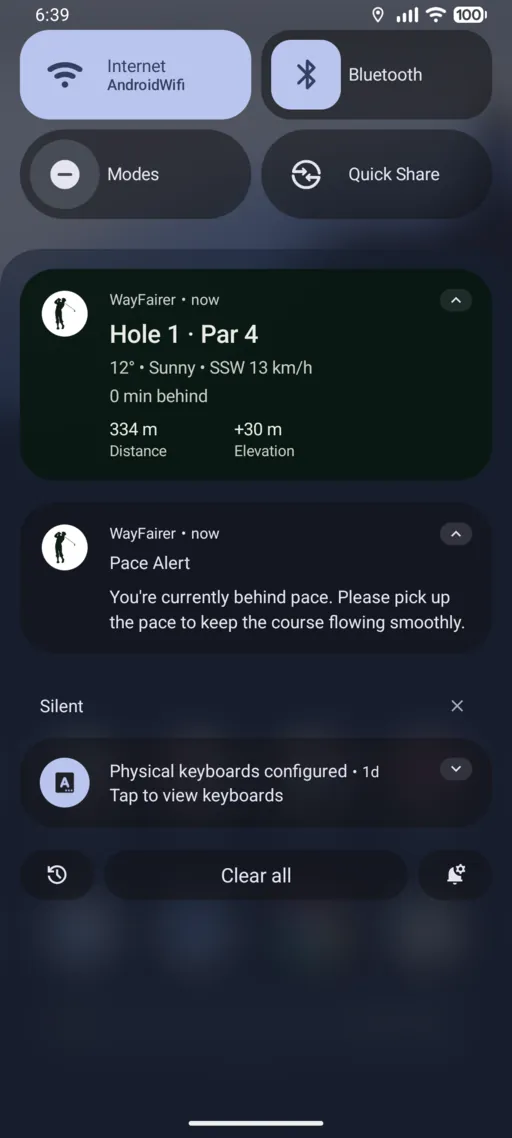
The pace bar is red
The group is behind the expected time for the holes played. It updates as the round continues.
By Harry. Published 13 Sept 2026. 4 min read.